Discover Technology for Modern Holistic Health
BEMER connects advanced microcirculation technology with a modern, holistic aproach to health and performance for people and the animals who share their lives.
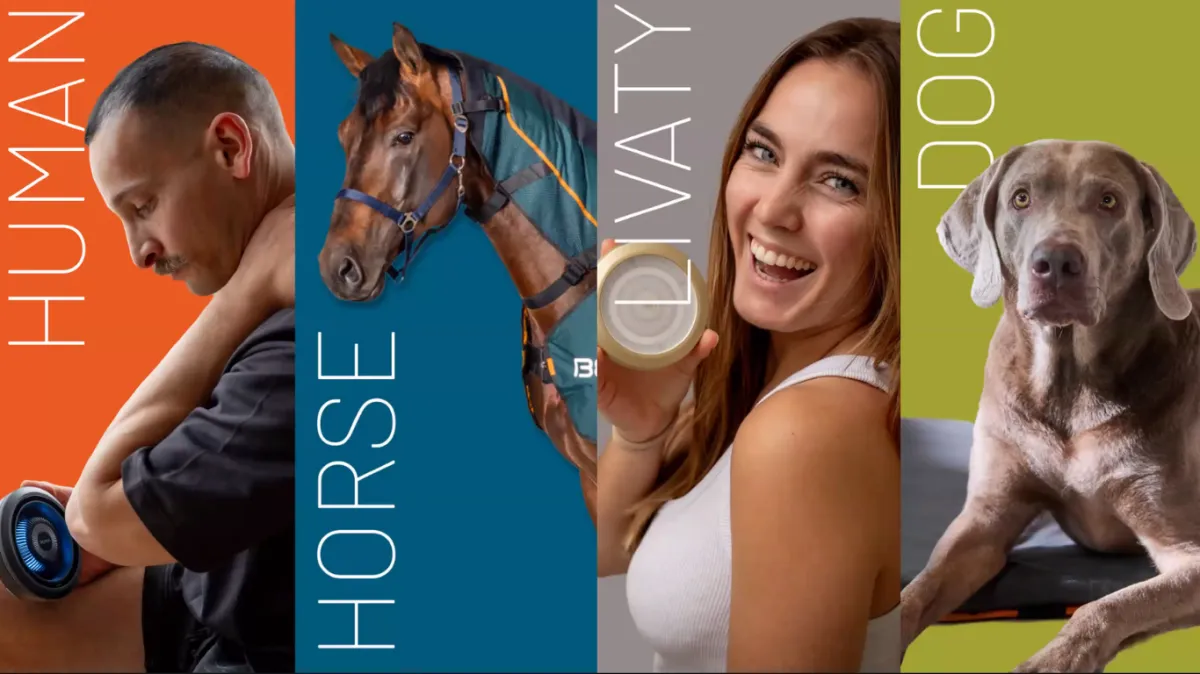
DISCOVER MORE ABOUT BEMER
True wellness means supporting the body's natural systems so it can perform, recover, and thrive.
BEMER technology supports healthy microcirculation, helping deliver oxygen and nutrients throughout the body.
BEMER Health & Wellness

BEMER Human Set
Discover our 8-minute secret to improve health, performance, and recovery using this FDA cleared Class II medical device just twice a day without changing your behavior.
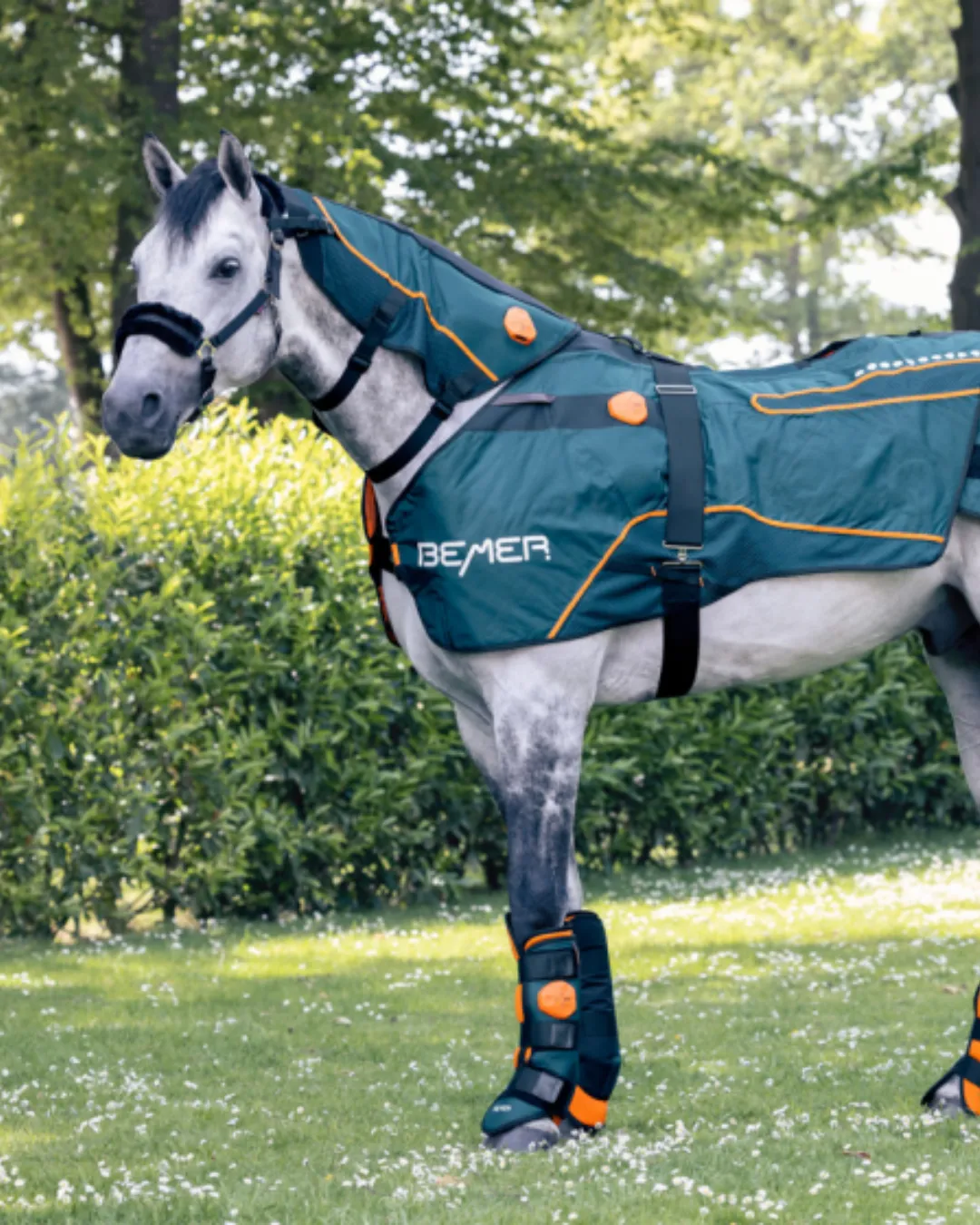
BEMER Horse Set
In as little as 5-minutes a day you can help improve the health of your horse as well boost performance and enhance recovery. The BEMER Horse Set is suitable for all disciplines.
Introducing New BEMER Products
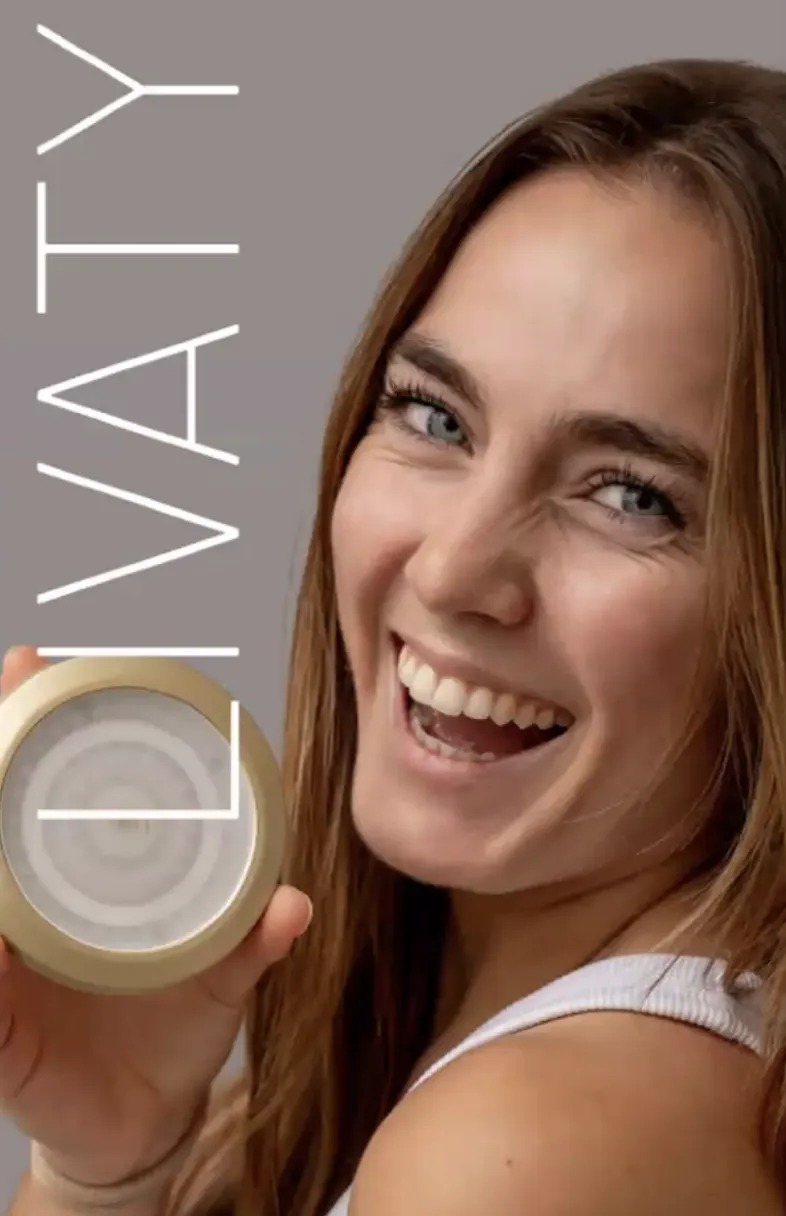
Livaty: Lume & Serums
LIVATY is BEMER’s newest beauty innovation — a daily ritual that combines the gentle power of LED light with targeted serums to enhance radiance, smooth skin, and support confidence.
The Lume device features three light programs — Red, Blue, and Amber — each paired with a specialized serum (Early Care, Recovery, and Timeless Skin) to bring out your skin’s natural vitality and glow.
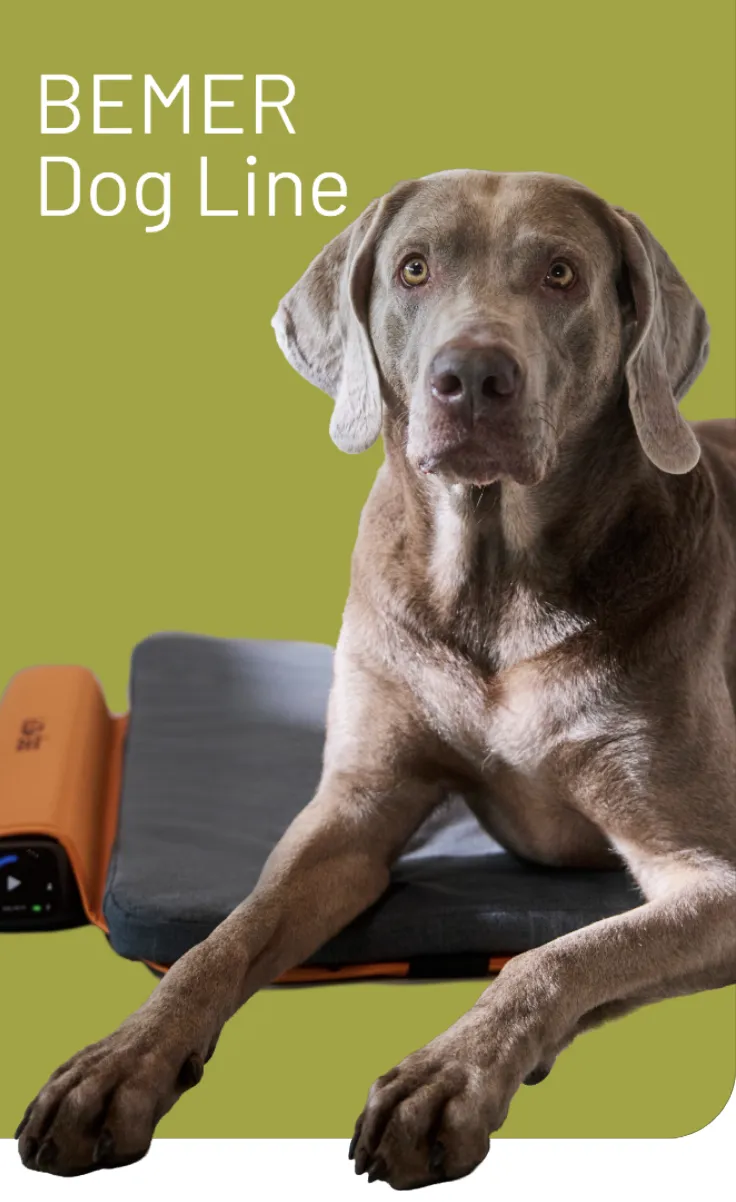
BEMER: Dog Line
A new wellness technology designed specifically for dogs - built with the same innovation trusted by thousands of BEMER users worldwide.
For many of us, our dogs are more than pets — they’re family.
The new BEMER Dog Line was developed to support your dog’s mobility, activity, and overall wellbeing using the same advanced signal technology trusted in the BEMER Human and Horse systems.
Better Performance & Faster Recovery
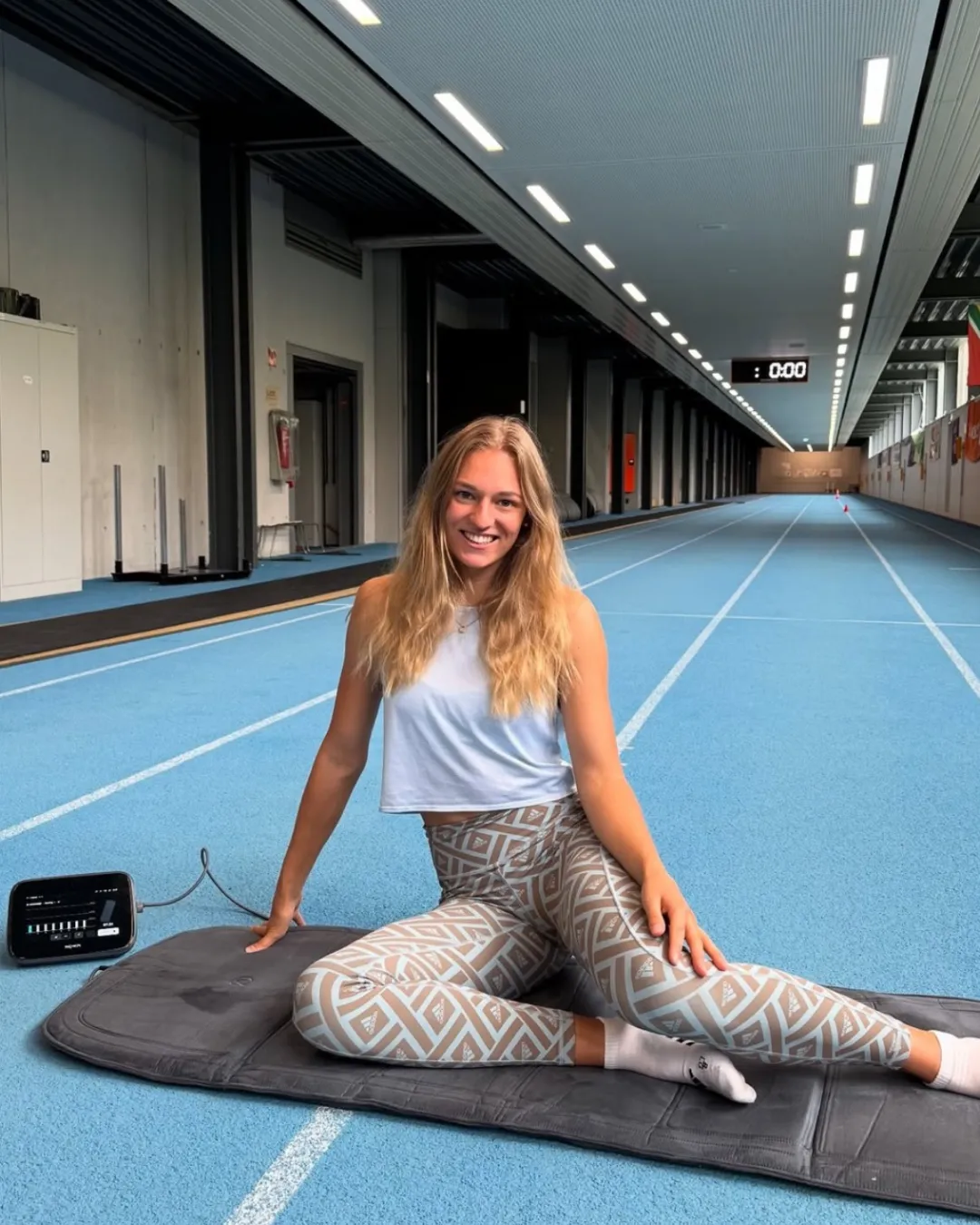
BEMER Athlete
Take your performance and recovery to the next level with BEMER. Learn how to support circulation and keep your body performing at its best.

BEMER Golf
Stay sharp, recover faster, and perform consistently on and off the course. Discover how BEMER supports circulation for better endurance and recovery.

Pickleball
Play longer, recover quicker, and stay in the game you love. See how BEMER helps support circulation for energy, performance, and recovery.
BEMER does not provide any medical advice or services. This device is not intended to diagnose, treat, cure or
prevent any disease. It should not be used for any purpose other than as described in the user manual. Please
consult your own healthcare provider if you have any medical issues.
Discover BEMER Education Portal
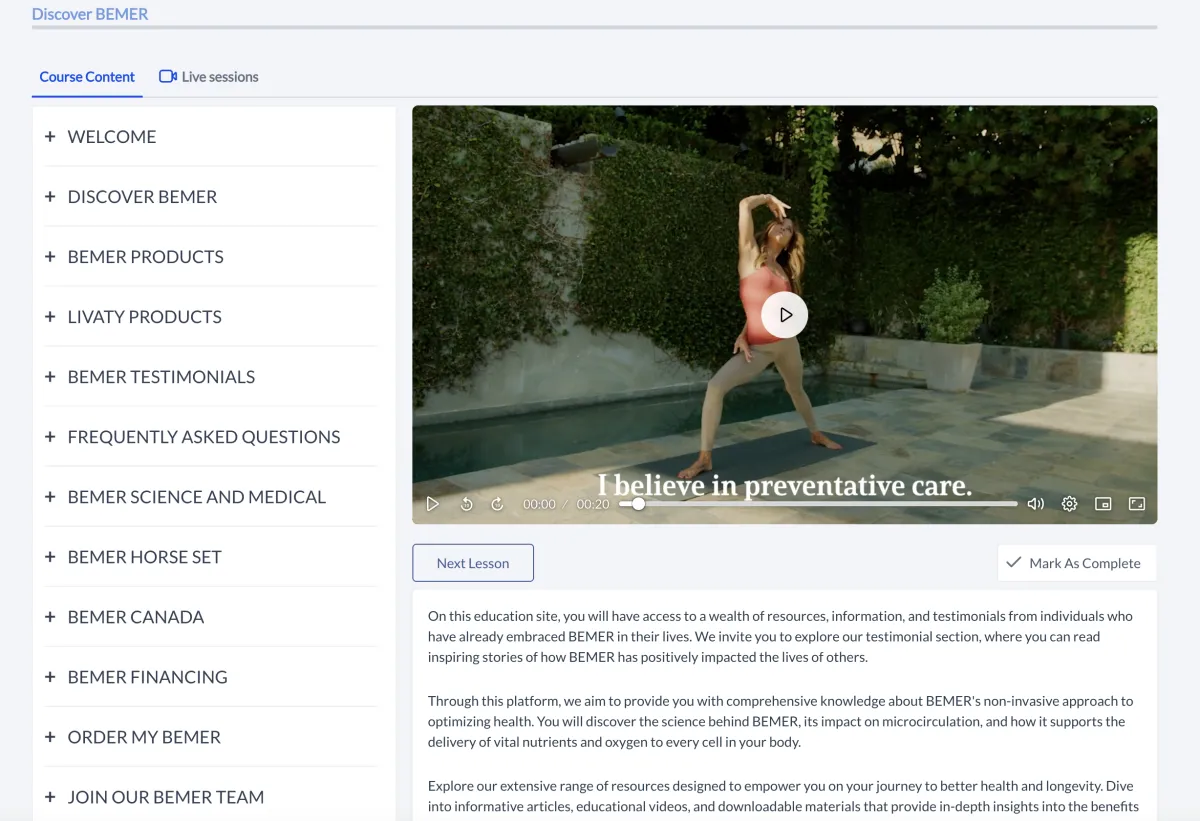
Experience a curated learning journey inside the Discover BEMER Education Portal.
Designed to educate and empower, this on-demand resource gives you clear, science-backed insights into how BEMER supports healthy circulation, performance, and recovery — so you can explore with confidence.
Choose your BEMER path by clicking
"Learn More" Button.
CONTACT